
|
|
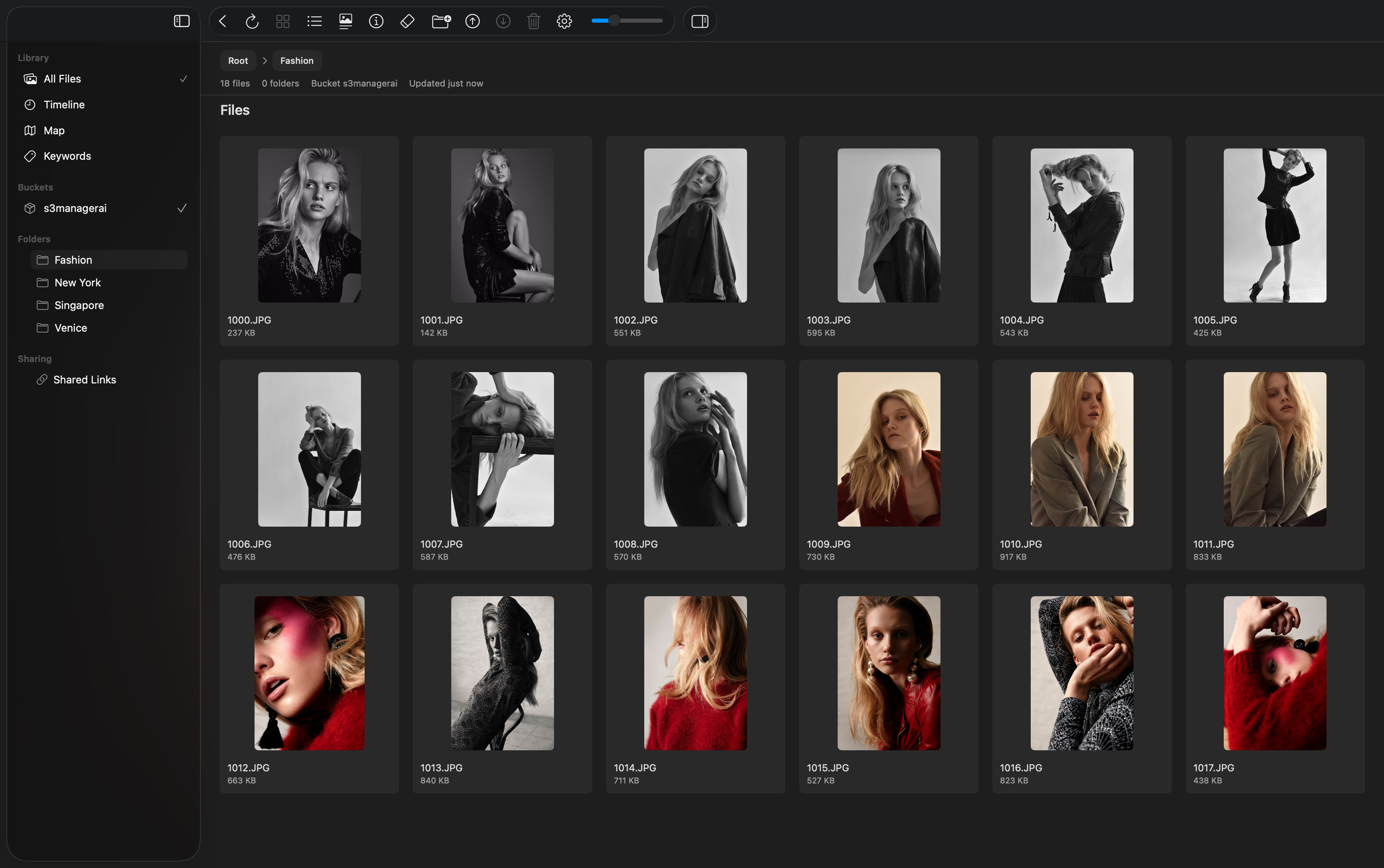
S3 Manager turns S3-compatible storage into a fast, visual browser for photos, videos, and files. Connect your storage to get automatic thumbnails, AI-powered keywords, timeline and map views, and a macOS-native experience that feels more like the Photos app than a file list.
|
|
Features
|
Library
Browse your S3 files with a Finder-style folder tree plus flexible Grid and List views, complete with thumbnail size and label display controls.
Timeline
Browse photos and videos from your S3 storage automatically organized into Years, Months, and Days using capture date metadata, with grouped navigation and detailed media grids.
Maps
Explore GPS-tagged photos and videos on interactive Map and Satellite views, with a map-grid mode that lets you browse media by location.
Keywords
Search your media with AI-generated keywords, complete with suggestions, recent searches, and fast browsing across large result sets.
Thumbnails
S3 Manager automatically generates image thumbnails and video cover previews for compatible media using partial downloads whenever possible, so you can browse large libraries quickly without downloading full originals.
For example, even a 10 GB video can often produce a cover preview by downloading only the opening portion of the file, typically just a few hundred KB. Because of this, S3 Manager does not need to maintain a large local cache of downloaded files. Similar to the macOS Photos app, even libraries containing many TB of data can be managed efficiently without filling up your computer’s storage.
Slideshows
View photos and videos full screen with quick access to download, info, sharing, delete actions, and photo zoom controls.
Sharing
Similar to iCloud Links, S3 Manager offers a simple way to publish selected files, photos and videos as a private, read-only web gallery. Sign in with your Apple account to create and manage links, choose what to share, and let others view or download media through a clean browser experience without giving access to your storage bucket.
Import/Export
Import from files, folders, or the macOS Photos library, export folders back to Photos, and manage downloads, sharing, and delete actions with clear confirmation flows.
Privacy
S3 Manager is built with privacy in mind. It communicates directly with your S3-compatible storage, and all AI analysis runs locally on your device. Your files and AI-generated metadata are not sent to external AI services, so your media stays private and under your control.
|
|
|